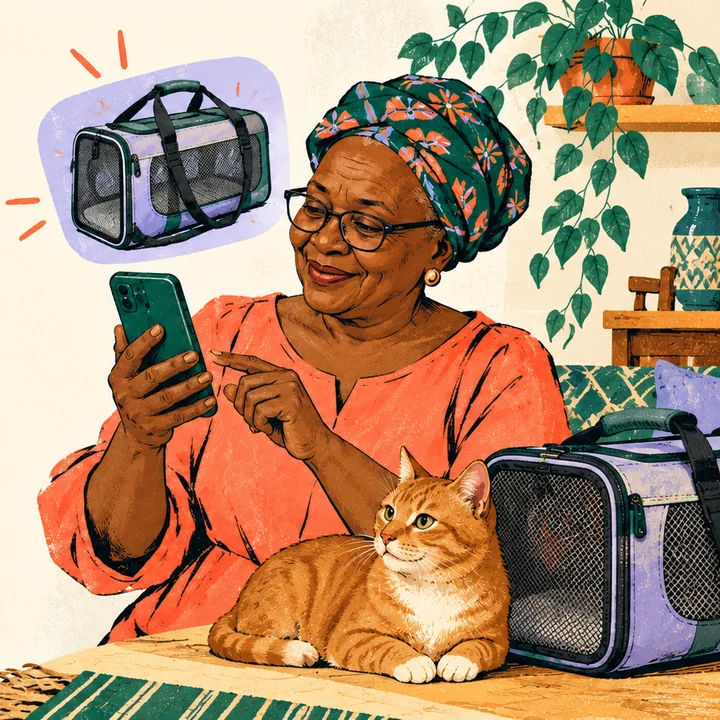
Mum
“Find this for my cat.”
A reel, a carrier bag, and one thing that matters: it has to open from the top.
Try it nowFor the one in the family everyone asks. Mum sends a photo, Dad sends a blurry label, your sister sends a whole list. Dad’s Typing finds a few good options with the full price to Kenya. Whoever it’s for picks one, and whoever is paying approves it once.
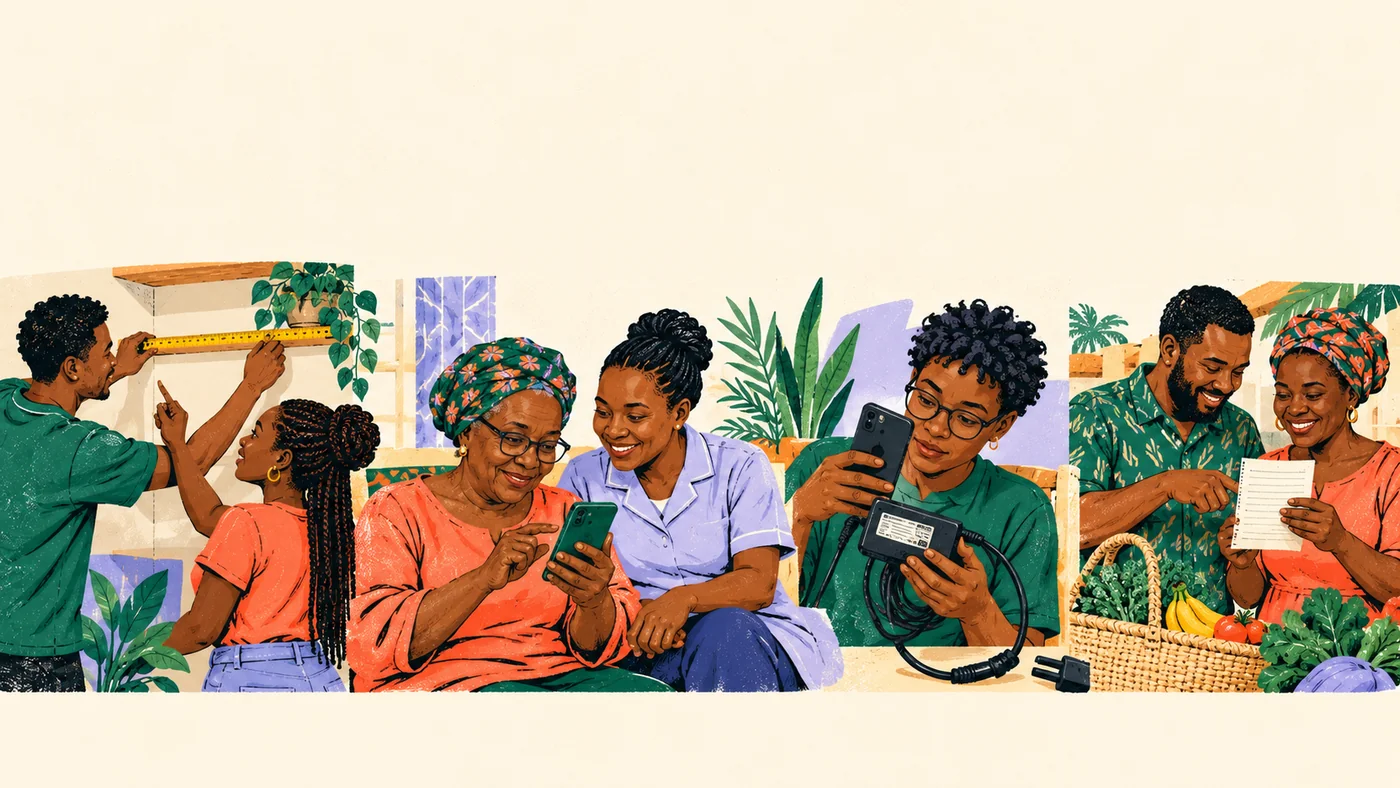
Every family has a shopper
Every request has one detail that matters. We keep it with the order, right through to the receipt.
Mum
“Find this for my cat.”
A reel, a carrier bag, and one thing that matters: it has to open from the top.
Try it now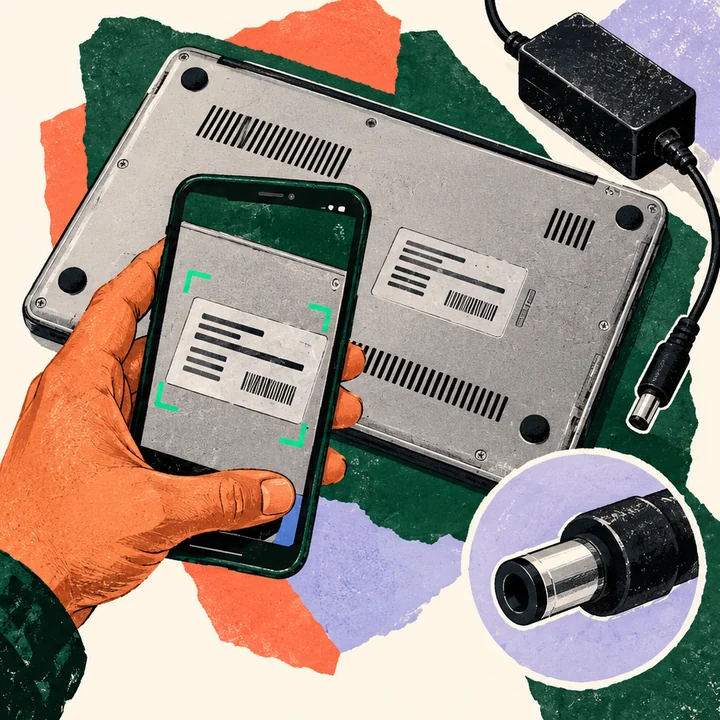
Dad
“I need one of these.”
A photo of a laptop and no model number. A camera link asks him for the label.
Coming next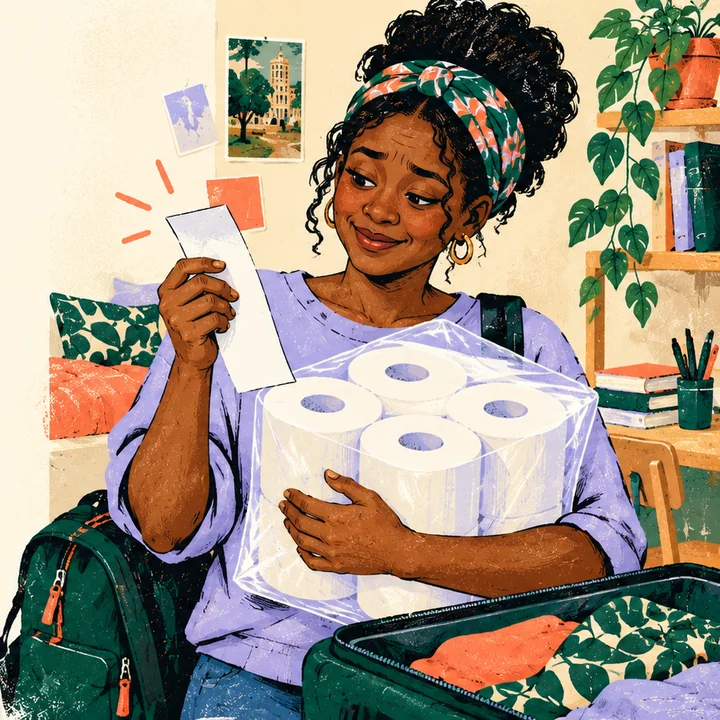
My little sister
“New town, new campus.”
A whole shopping list on a budget, planned as one basket instead of ten trips.
Coming next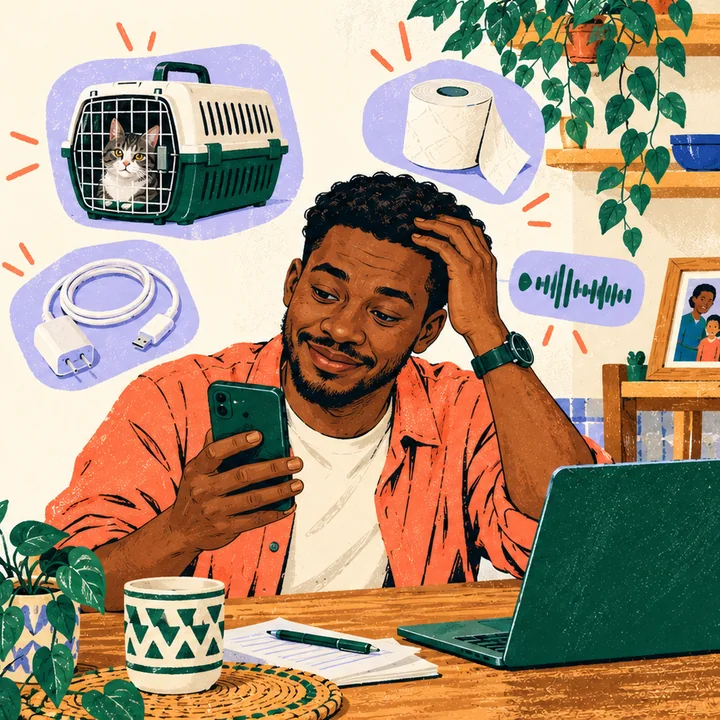
The family group
“Please help your sister.”
Somehow you end up buying for everyone. One link each keeps it calm.
Try it nowHow it works
Four steps, one task, and everyone sees the same thing.
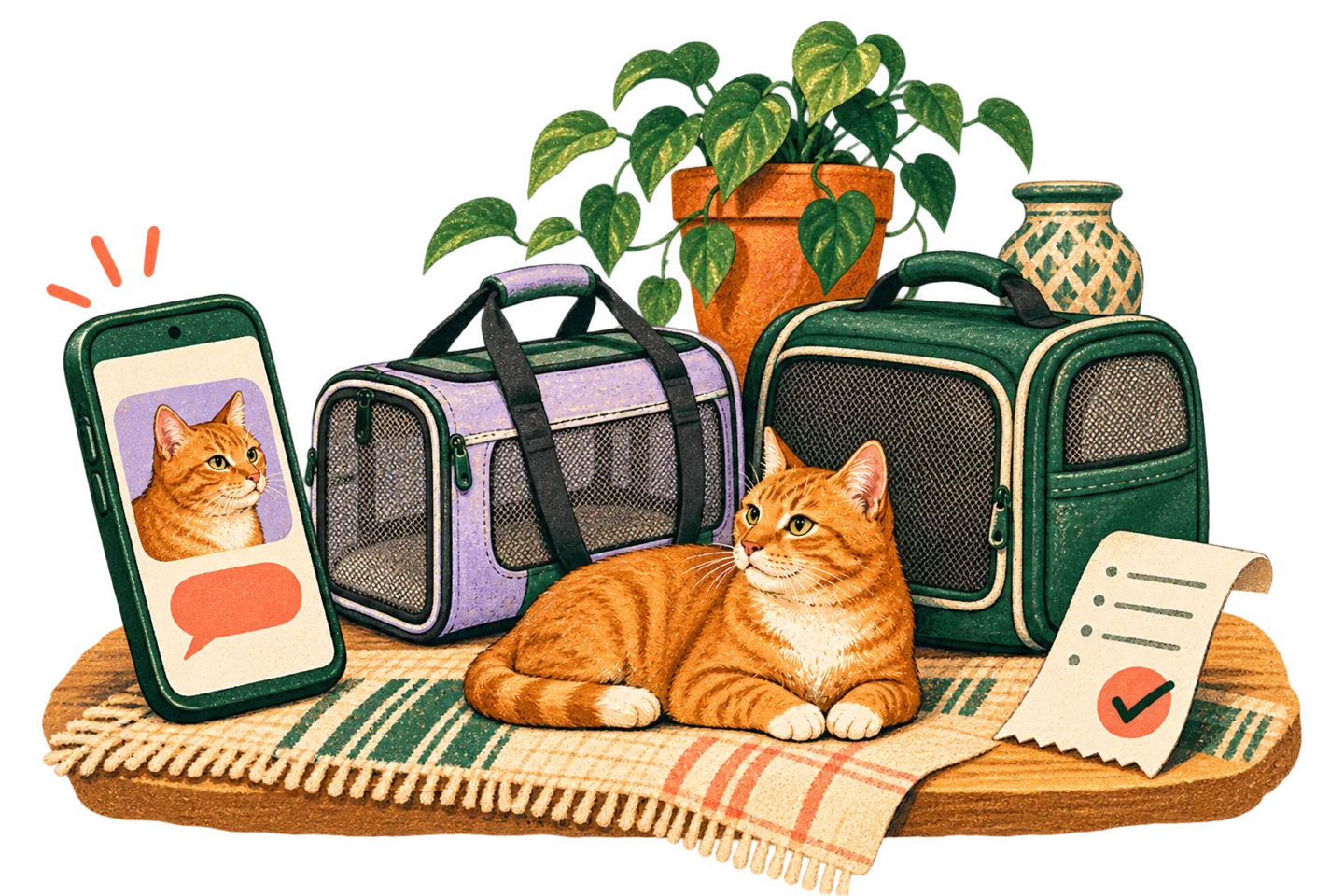
A few choices Mum can understand
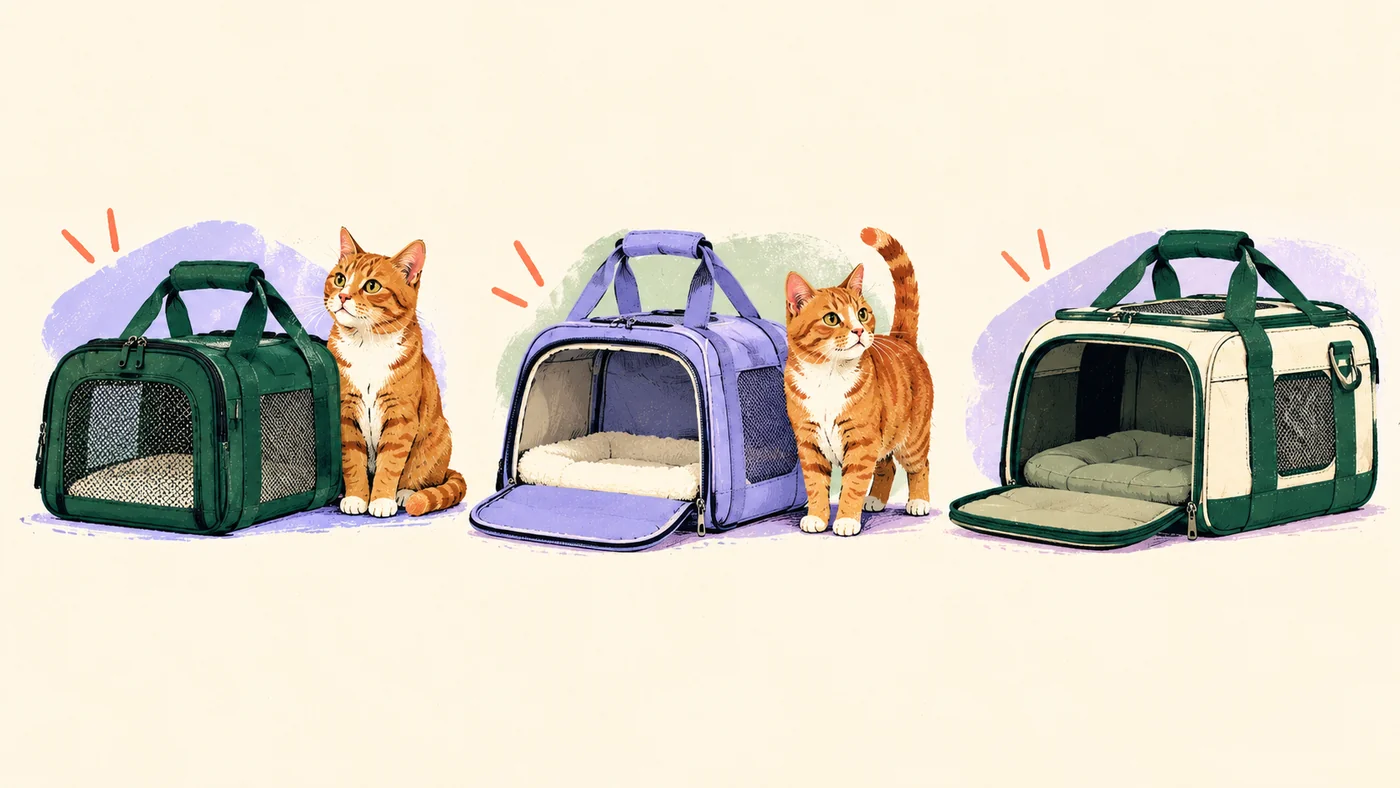
Options come with plain reasons. Where a size or a shipping cost isn’t known yet, it says so instead of guessing.
Her choice, in her words
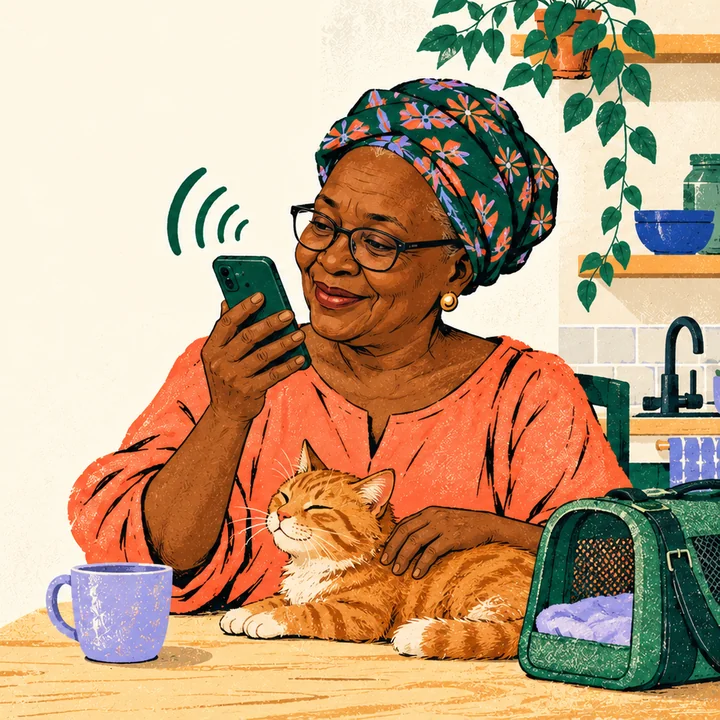
She opens her own private link, types or speaks, and chooses. She never needs your password or a payment screen.
MumWill he fit through that opening? He’s small.
AssistantThe 45 cm one is more compact and suits a smaller cat. The 55 cm gives him room to stretch.
MumThe 45 cm one, please.
She chooses. You pay.
Every cost is shown before anyone pays. Afterwards, the receipt keeps the arrival date and tracking.
 Dad’s typing
Receipt DT-4F7A
Seller, variant, quantity and every fee, in US dollars with the shilling amount beside it.
Whoever is paying signs in to PayPal and approves once. Nothing is charged before that, and if the price changes, they’re asked again.
The receipt stays with the request, with tracking until it’s ready to collect. A refund shows as its own line, so the original payment never changes.
Walkthrough
Two ways in. WhatsApp is the quickest; the web app shows the whole journey, with Mum choosing and you paying.
Your first message is already typed. Press send and My Plug explains how it works.
You play two people: the one shopping, and Mum. You’ll need:
Open it in your normal window, then follow the steps. The code is on GitHub.
Click Upload photo, add a note such as “For Mum. It must open from the top”, then Start with this photo.
The assistant lists what it heard, like “opening: top”, with the words it relied on. Nothing applies until someone confirms.
Open Share, choose Send to Mum to choose, and copy the link.
Paste the link into the private window. Open Ask or change something, type “It must open from the top”, then Confirm. Mismatches move to Doesn’t match.
Ask anything, like “Which suits a small cat?”, then tap Choose this one.
Reload your window. It moves to Pay with the exact item and total. Tap Pay with PayPal (sandbox), sign in with the sandbox buyer and approve.
Cancel at PayPal once if you like: there’s no receipt, and you can pay again.
Both windows show “Paid” and the same receipt. Mum sees it without any payment buttons.
It started with our family
“That’s the one.”
Start with one photo from the family chat. Finish with a receipt everyone can see.